

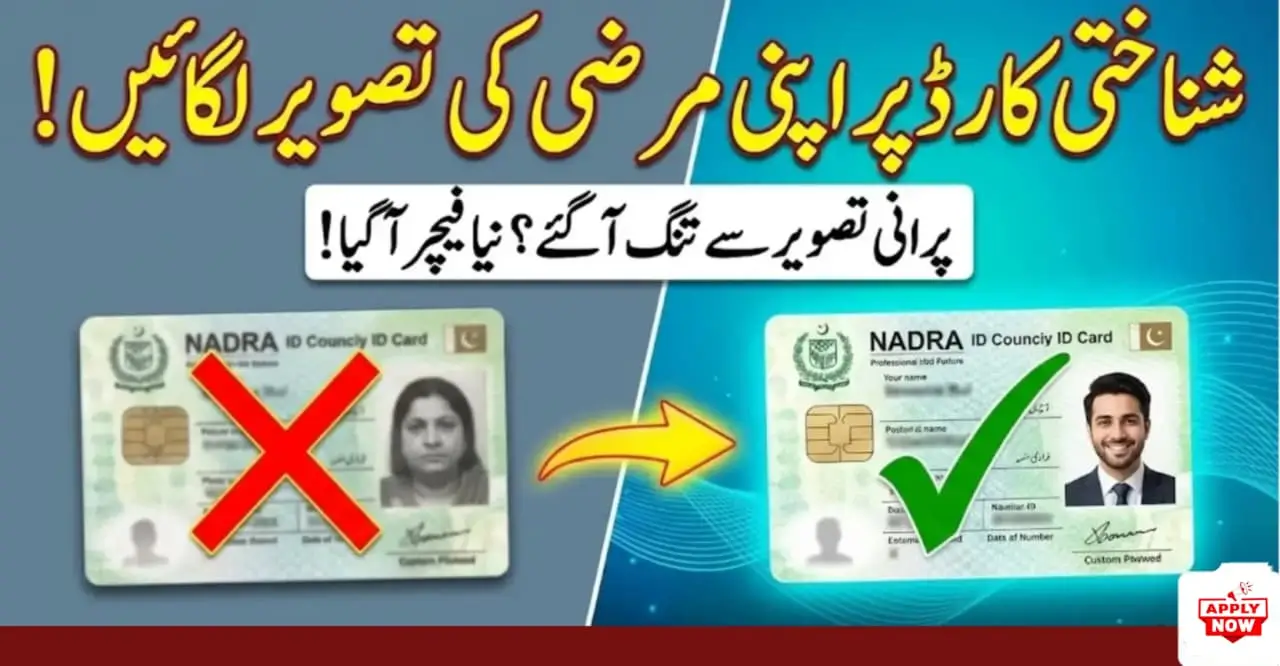
NADRA ID Card Custom Photo Upload 2026 – Complete Rules, Benefits & Fast Approval Guide
Uploading a custom photo for your NADRA ID card has become one of the most useful online features in 2026. This option allows applicants to submit their own photograph instead of visiting a NADRA Registration Center, saving both time and effort. If your photo meets NADRA’s updated standards, the approval process becomes much faster with fewer chances of rejection.
What Is NADRA Custom Photo Upload?
The NADRA ID Card custom photo upload facility enables eligible applicants to upload a compliant photograph through NADRA’s online portal. The image is reviewed digitally by the National Database and Registration Authority to ensure identity accuracy and record security.

Enable This WhatsApp Security Option to Stay Safe From Online Scammers
WhatsApp has quietly introduced a powerful privacy option designed to…

New Domestic Airline Launches Daily Flights Linking Quetta and Multan
Pakistan’s domestic aviation sector has received a fresh boost as…

Gold Smashes Records at $5,300 an Ounce, Market Cap Crosses $35 Trillion
Gold has reached a historic milestone after climbing above $5,300…
This service is especially helpful for overseas Pakistanis, senior citizens, women preferring home-based applications, and people with mobility challenges.
Who Can Use This Facility in 2026
Applicants eligible for online NADRA services can usually upload a custom photo, including:
- New CNIC applicants
- Smart CNIC renewal cases
- Overseas Pakistanis
- Elderly and disabled citizens
- Busy professionals
If online application options are available in your case, photo upload is supported.
Benefits of Uploading a Custom NADRA Photo
Uploading your own photo offers clear advantages:
- Saves travel and waiting time
- Avoids long queues at centers
- Better photo quality control
- Faster verification process
- Lower rejection rate
A properly uploaded photo often leads to quicker ID card processing.
NADRA Photo Requirements (Updated 2026)
| Requirement | Details |
|---|---|
| Background | Plain white or light color |
| Face Position | Front-facing, fully visible |
| Expression | Neutral, mouth closed |
| Lighting | Even, no shadows |
| Glasses | Not allowed |
| Head Cover | Religious reasons only |
| Image Quality | Clear, high resolution |
| Photo Age | Taken within last 6 months |
Step-by-Step Photo Upload Process
- Log in to NADRA’s official online portal
- Select CNIC or Smart CNIC application
- Choose Custom Photo Upload
- Upload a clear photo meeting guidelines
- Preview and submit for verification
Approval or resubmission notice usually arrives within a few working days.
Expert Tips for Fast Approval
- Use natural daylight near a window
- Keep camera at eye level
- Wear solid dark-colored clothing
- Avoid filters, edits, or low-quality cameras
Conclusion
The NADRA ID Card custom photo upload option in 2026 is a reliable way to speed up your application process. By following official guidelines and uploading a clear, compliant image, applicants can avoid rejections, save time, and receive quicker approval for their CNIC or Smart CNIC.
